First goal: Rendering a map – Color and style
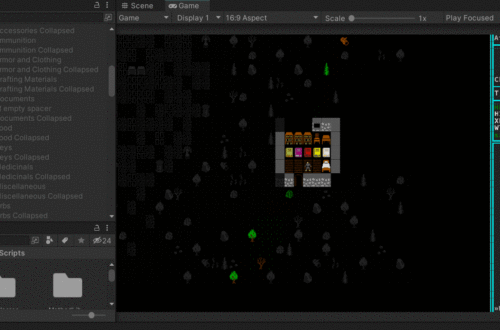
First things first, I need to at least get some sort of map to render to the screen. This is going to require 3 things:
- Some basic art assets to go along with the tiles so they, you know… look like stuff.
- Some sort of array that will tell the game what tiles to place where on a grid. Since my maps have to be generated at runtime, this will need to be an external file.
- Internal code to connect this stuff.
POINT 1
I already know that if I don’t limit myself in some way, I’m going to spend far too much time on art assets. I need a consistent aesthetic that’s simple but hangs together. First, I’m going to limit my color palette AND limit how many colors each sprite can have. I’m going to go extreme and limit each sprite to just 2 colors. Why? Because I like Caves of Qud and that’s how they did it.

But what about the color palette itself? I did a bit of poking around and found the DawnBringer32 color palette. Not bad! DawnBringer did their homework and it’s a well-rounded palette. I poked around with it for a while and although it wasn’t bad, it wasn’t quite what I was looking for. I used it as a starting point and developed my own palette from there.
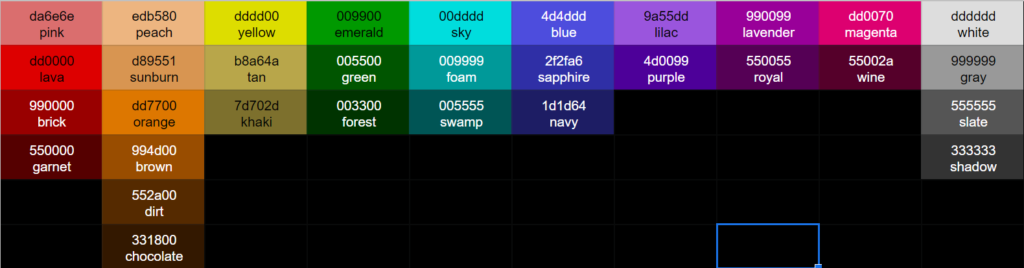
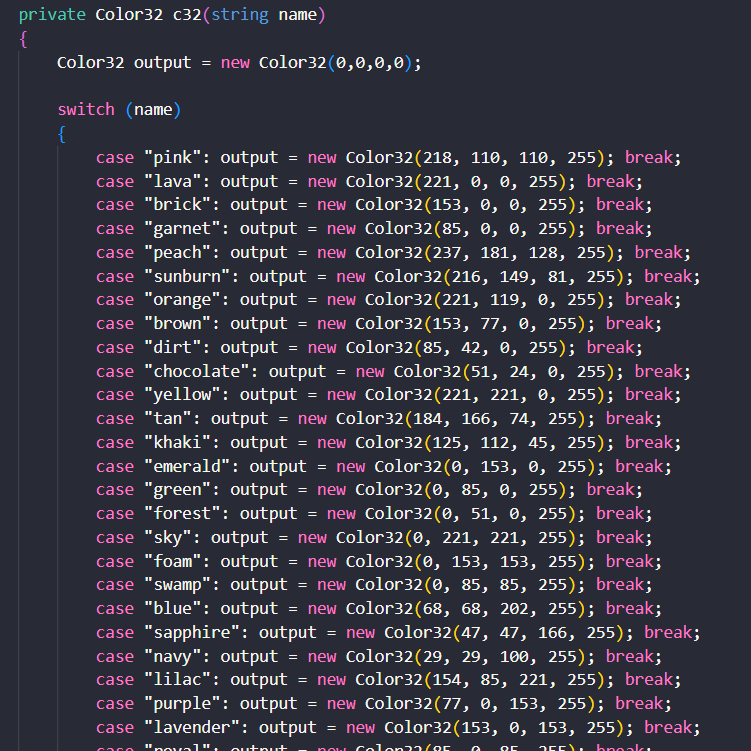
A bit of playing around with this palette and it seems to work pretty well. I coded each of these colors into Unity.
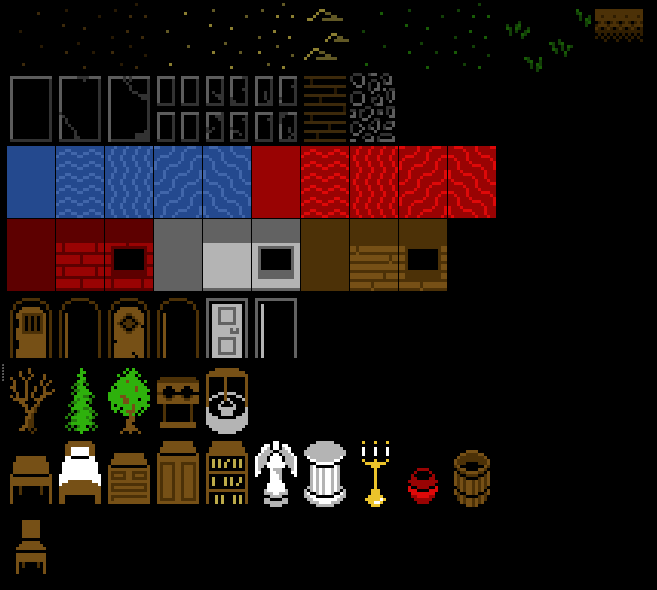
I then used GIMP to create some basic town art I can use in a simple map.


You May Also Like
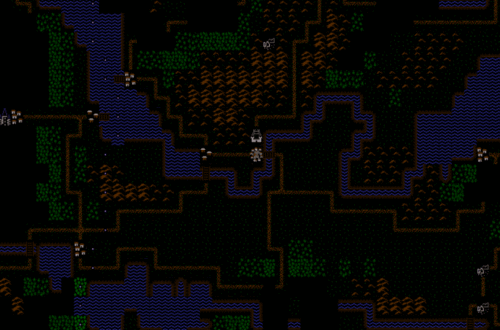
Sidetracked – a “look” mode
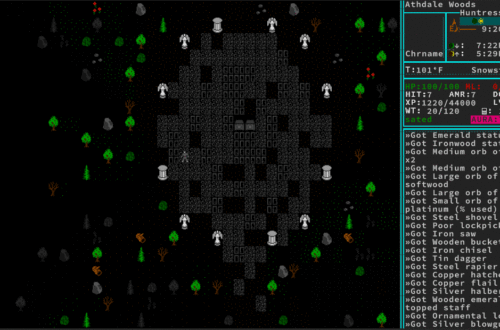
Inventory – Putting it all together