-
Equipment
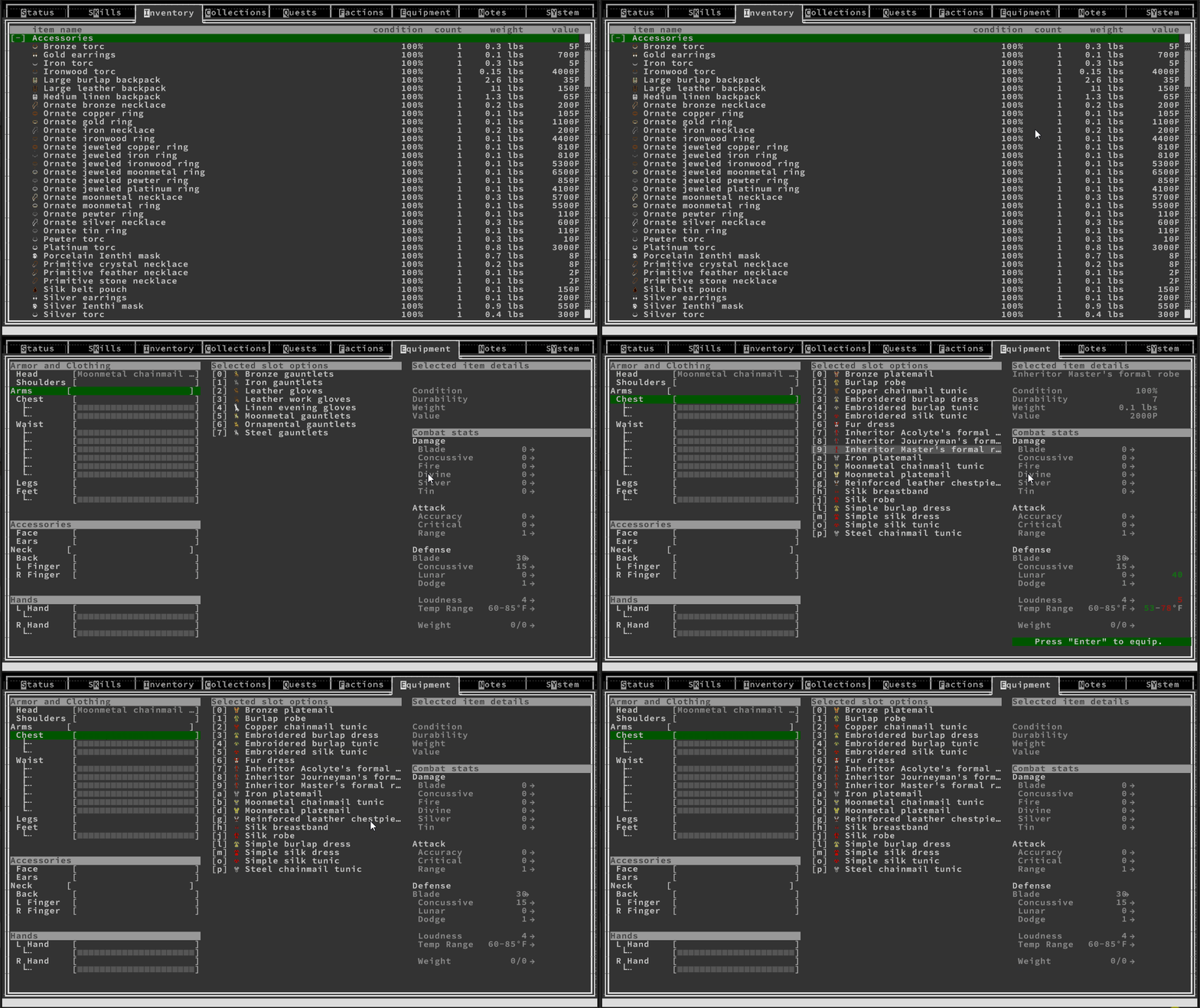
The next item to tackle was the ability to equip and unequip items. For this, I needed to first create stats that would be adjusted on equip and unequip. Cue more delays as I tried to come up with a reasonable system here at this point… I was able to come up with some stats I think are pretty reasonable. Next, I had to decide on layout. Being a UX Designer by trade, I wanted to make this (and every) screen intuitive. The idea is that you have your equipment slots on the left, the selected category’s items in the middle, and how the stats are affected by a specific…
-
Inventory – Putting it all together
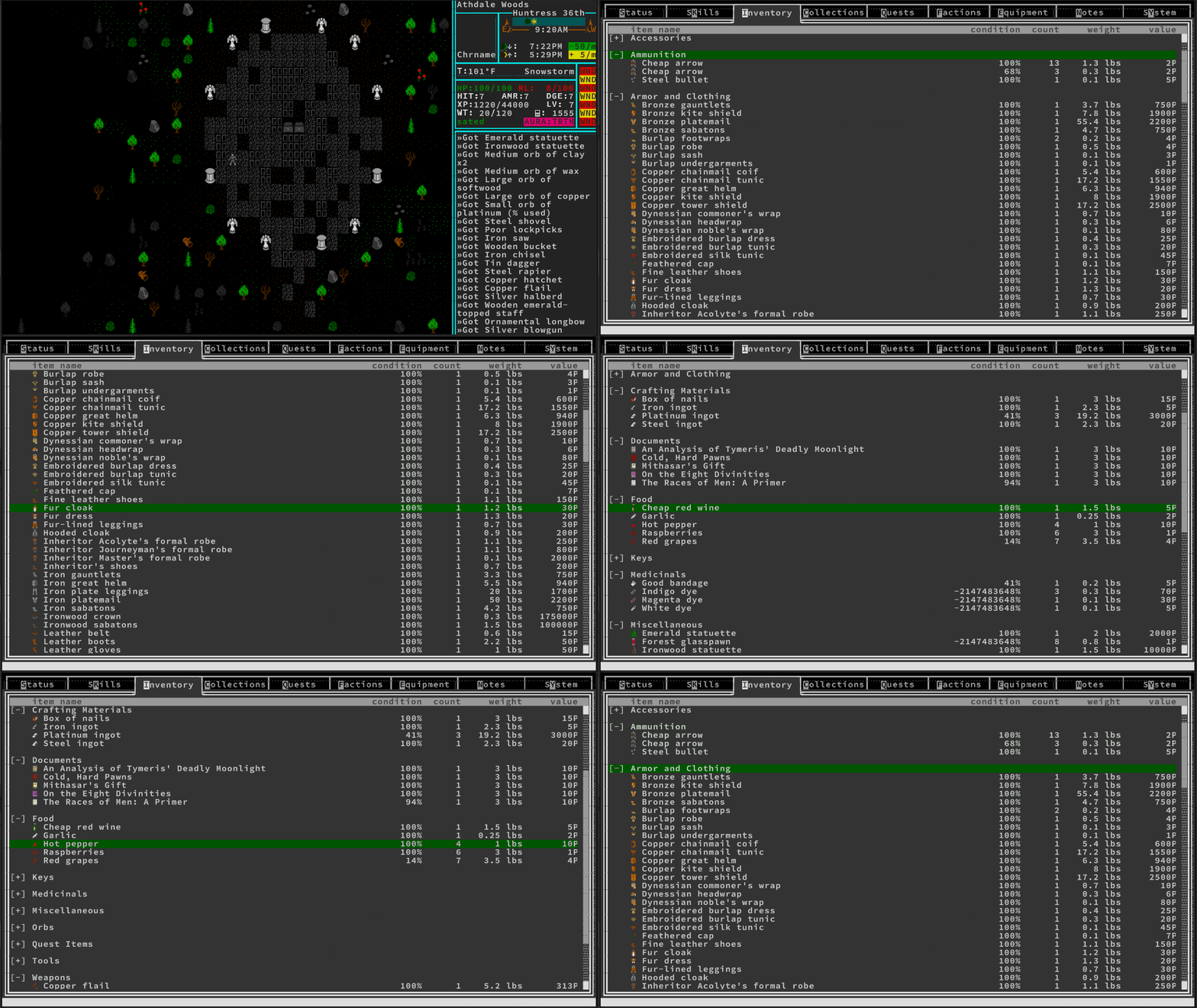
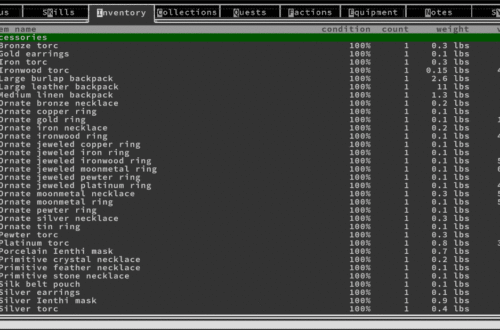
It took a while, but I finally got all of the inventory put together. There were a few pieces that were hard to tackle. Firstly, scrolling – I wanted the screen to start scrolling when the selection was halfway to the bottom rather than all the way at the bottom. This way, the user can always see a fair ways below their current selection. It turns out that getting that behavior was somewhat difficult. This was compounded by the need to be able to open and close categories. In the end, this all worked out, though. I’ll have to later add the ability to drop items, but that can be…
-
Inventory – All the Data
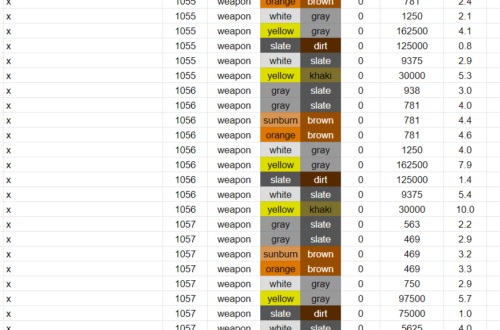
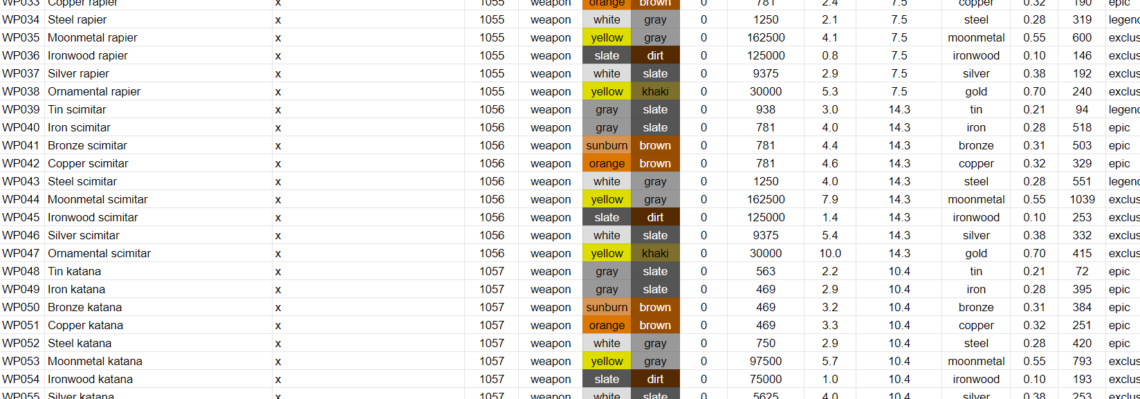
Well that took forever. I wanted to make sure that I had some test inventory items. I have 13 kinds of items and I wanted several examples from each kind so I could test things like sorting, masking, scrolling, string length, etc. So I took all the icons I had created and made at least one item for each (several for some). This wouldn’t have taken so long (a month!) but for the fact that I needed to account for things like weight, density, and volume in preparation for my magic system’s ability to transmute things from one material to another. I can’t do things like this without being accurate,…
-
Inventory – The Code
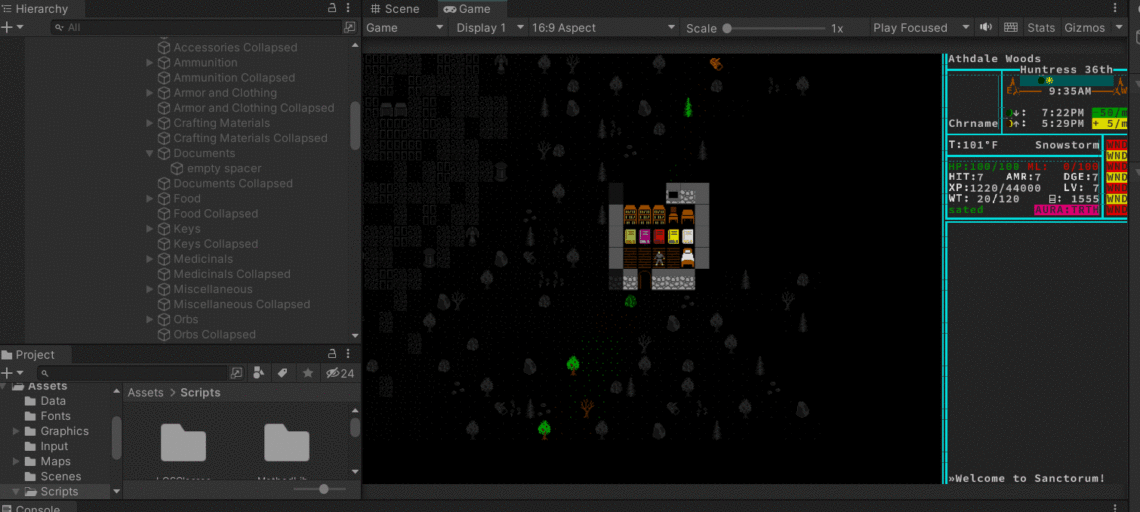
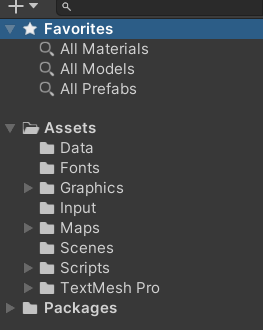
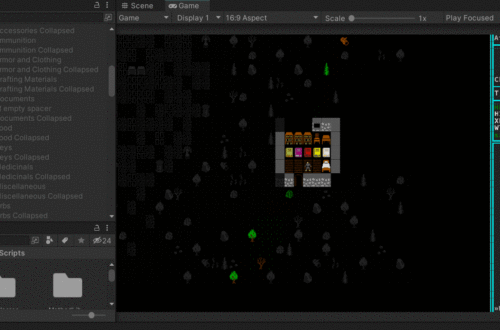
Whoof. Getting item generation and inventory display to work properly has been a tough nut to crack. Not in terms of code complexity, but in terms of wrestling with Unity and deciding how the game should store and ingest inventory data. I’ve landed on this: In the video below, note the “documents” container on the left in Unity and how it grows when I pick up something new and then open the inventory.
-
Building Inventory Items – Sprites
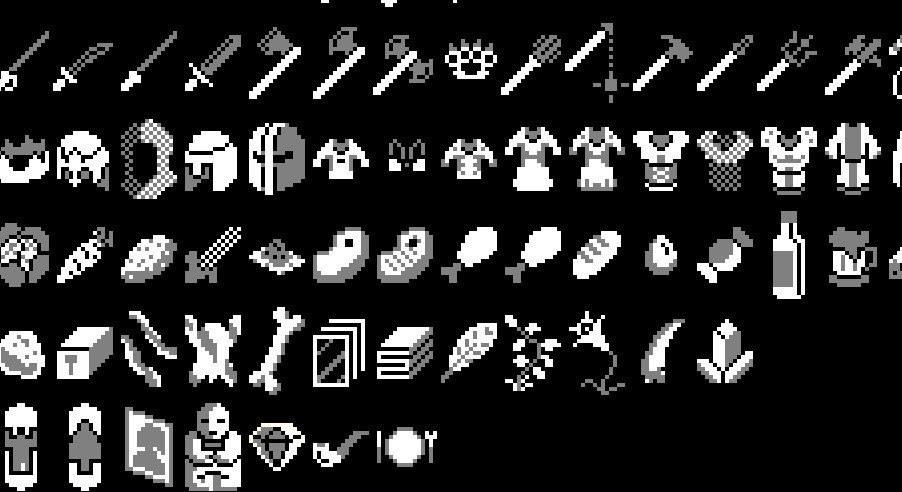
I talked a lot earlier about making a beeline for your MVP – do as little as possible to get your MVP off the ground, then flesh out stuff later. I’ve been slightly bending that the last few weeks. Thinking about code endlessly can be stressful and I needed to do some work on the game that was more mindless, so I’ve spent the last week just building out sprite assets. To be fair to myself, there has been a slightly valid reason. It turns out that to properly build something like the inventory menu, I need to code things like scrolling through menus, sorting items, and opening and closing…
-
Preparing for Inventory – Menus
The next thing I want to tackle is basics of inventory – pick up things, see them in the inventory, do a basic interaction. I’ve decided I’m going to test that with a book item. Why a book? Because they should only have a couple actions associated with them – read, or drop. I’ve already decided that when a player reads a book, the contents will be stored in “notes” so that they don’t have to carry around a book forever just to remember what it said. I may or may not implement now since it’s not crucial for MVP. So where to start? Obviously with the external file again.…
-
Rendering Dialogue
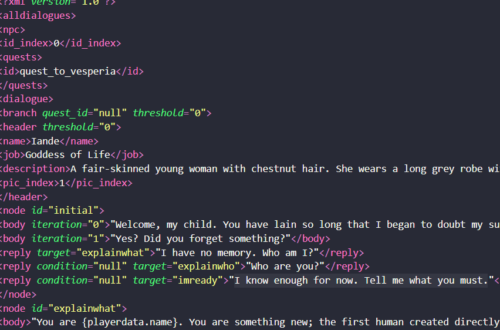
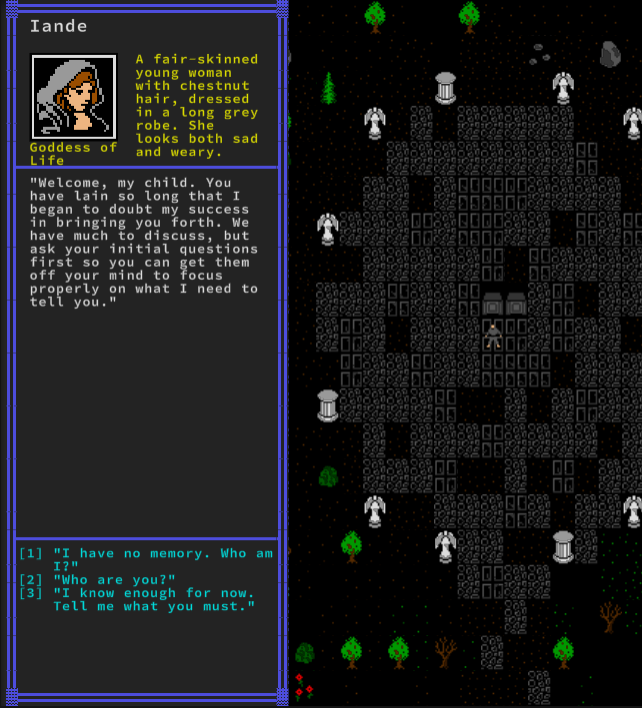
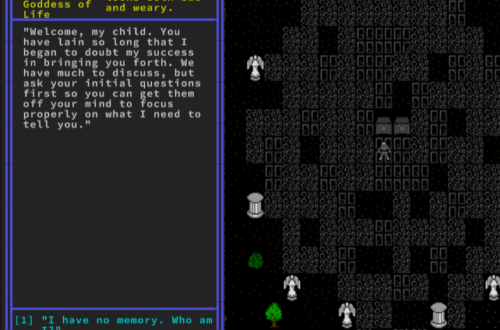
I mostly got the implementation of dialogue working properly. There are still a few pieces that need work, such as how to replace things like {playername} with the player’s actual name and how to deal with quest advancement. I’m not worrying about it too much at the moment, though, as both string replacement and quest advancement aren’t MVP goals. I also made a creative decision when it came to dialogues. If you take a look at the character portrait in the corner of the dialogue, you’ll notice that it uses 3 colors instead of the 2 that all other sprites use. After messing with two color portraits for a while,…
-
Dialogue – the code
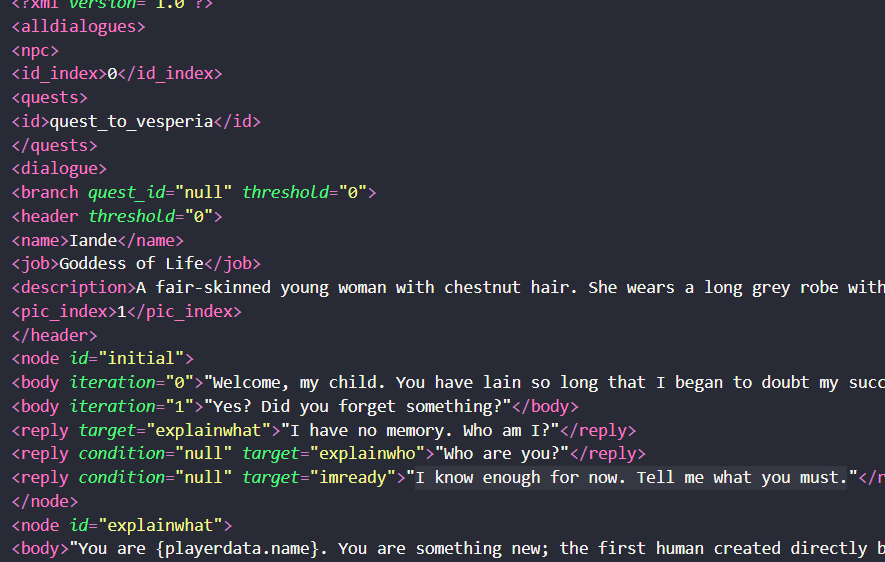
One of the first things that needs to happen for my new start to the game is dialogue. I may as well get that done now, since it’s going to be crucial to the game. But where to start? Dialogue should live in an external file, that much I know. Makes things easier to edit, and will make translation far, far easier should my game ever get popular (I can always hope!). If I want to store it as an external file, I’m pretty sure XML or JSON is the way to go. I won’t explain them here, so if you haven’t heard of them, go look them up. I’m…
-
Opening and closing doors
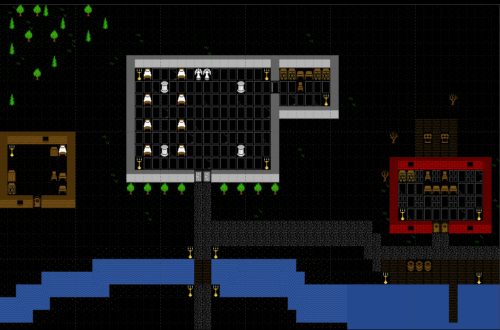
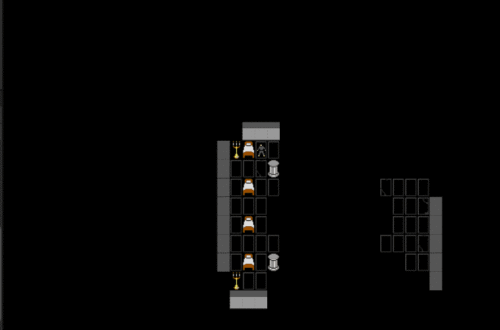
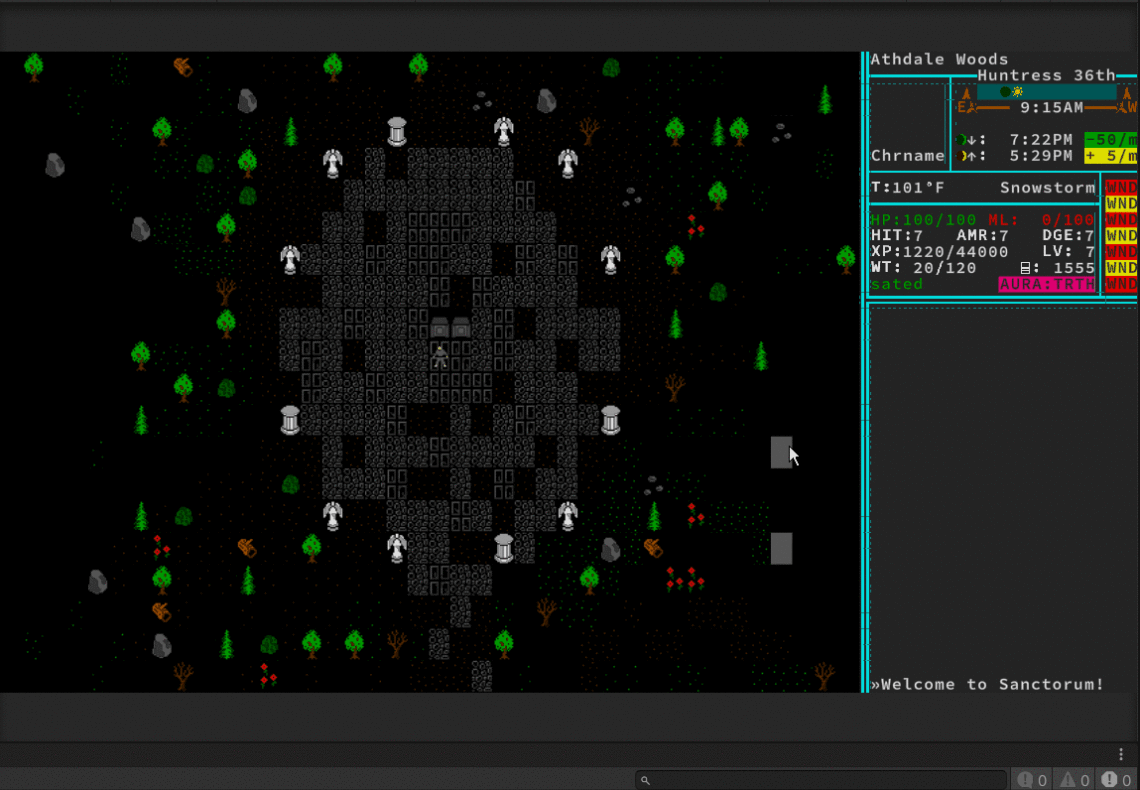
Now that I’m good on the world map for a while, it’s time to get other systems for the local maps in place. I decided to redo the starting location from a town to a ruined temple, but there’s still going to be a cottage with a door that can open. Why this first? Doors are a bit more complex than one would think at first. Doors have a binary state – open or closed. Doors also can be lockable or not. They can ALSO be locked or not. So if a local map shows that a door should be at a tile (in this case the 2 digit alphanumeric…
-
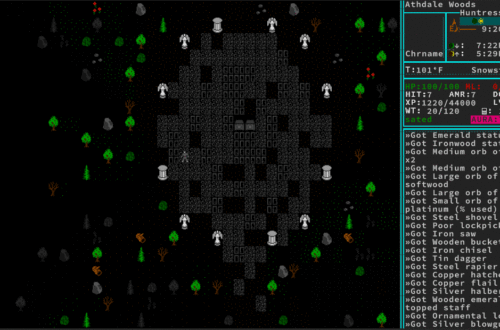
A sidebar with passing time
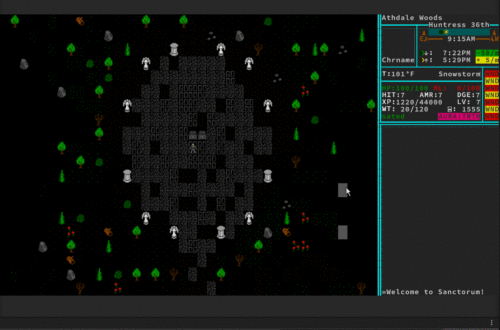
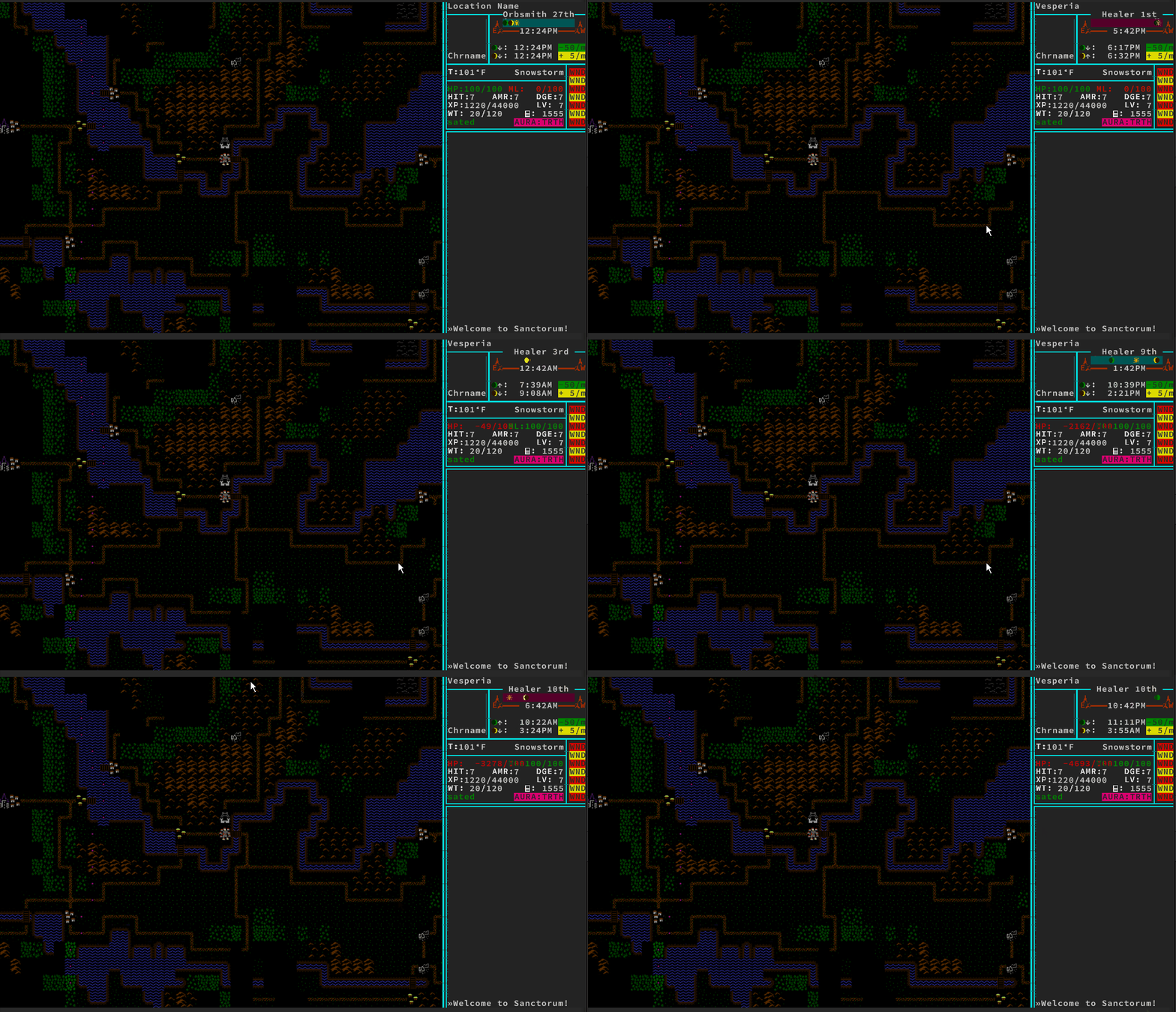
Next I wanted to work on a sidebar. Something to display stats – character name, time of day, status messages, all the normal stuff you get in a roguelike. Putting the actual sidebar together was easy – it’s just a bunch of UI canvas elements. What ended up being hard was properly coding in the motion of the sun and moons. My problem is that I love astronomy and have a degree in astrophysics that I never get to use. This means that my data and tables for moonrise and moonset needed to be accurate. Given the light from one of the moons is deadly, it needed to be accurate…