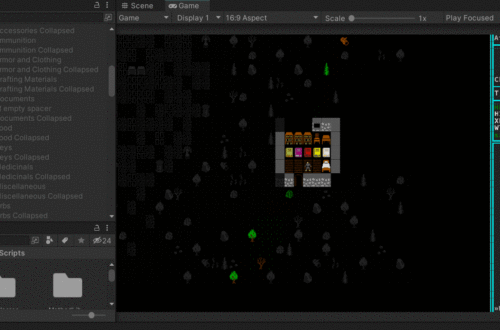
Preparing for Inventory – Menus
The next thing I want to tackle is basics of inventory – pick up things, see them in the inventory, do a basic interaction. I’ve decided I’m going to test that with a book item. Why a book? Because they should only have a couple actions associated with them – read, or drop. I’ve already decided that when a player reads a book, the contents will be stored in “notes” so that they don’t have to carry around a book forever just to remember what it said. I may or may not implement now since it’s not crucial for MVP.
So where to start? Obviously with the external file again. Books will import from an xml file, same as dialogues. And for the same reason; it’s easier to keep track of the data in an external file and it makes localization easier (assuming that ever becomes relevant). The structure is much like the dialogue xml, so that will be easy to take care of.
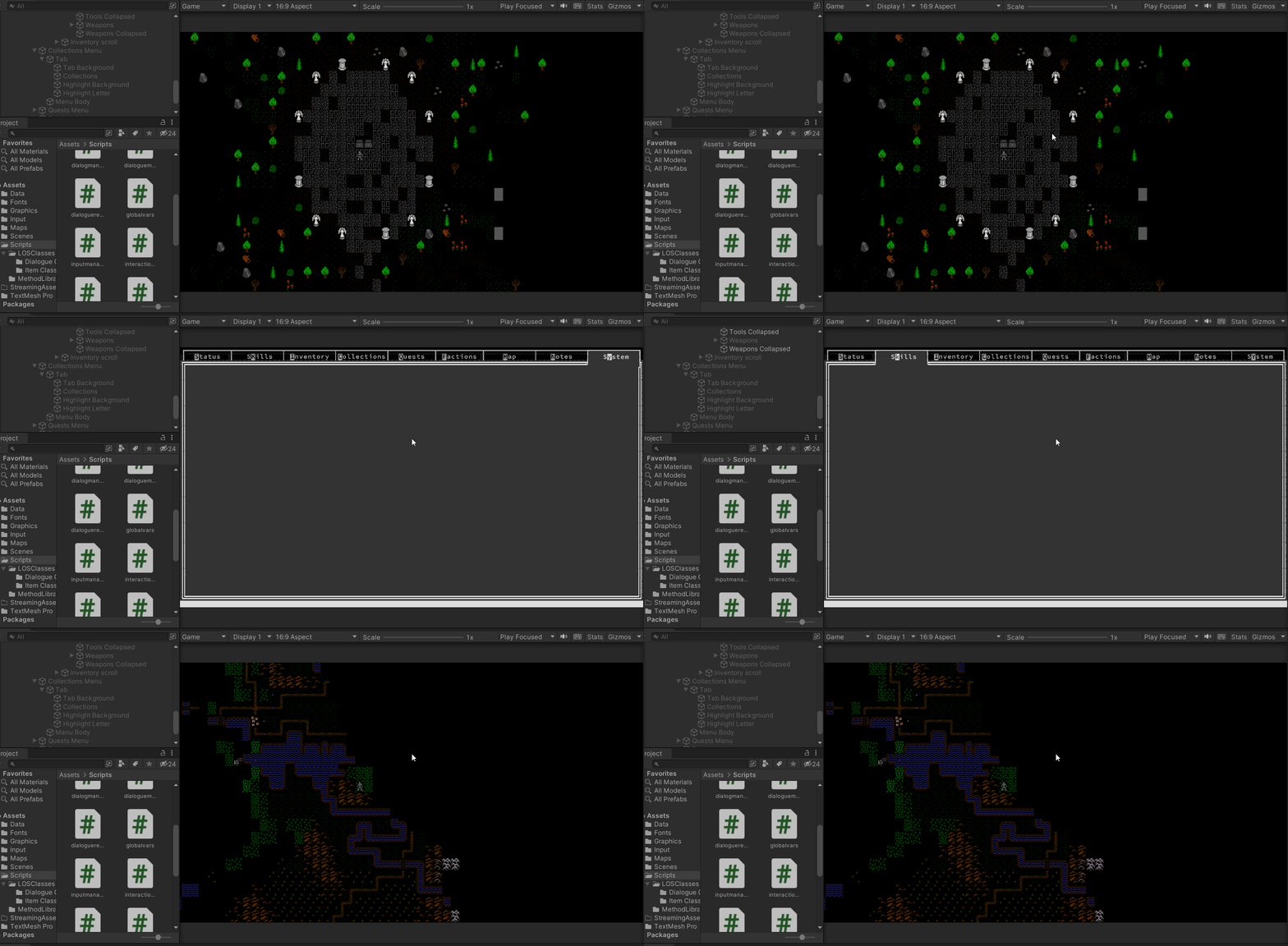
A bit more work is going into the menu structure. I already know roughly what tabs I want in the menus. It took a little bit of work to start putting together the basic structure. I’ve included a video that shows how the user can press either the “esc” key, or the shortcut key to each menu and it will open and go to that menu. I’ve also shown how it works from both the regular gameplay screen and from the worldmap, with the game remembering where it came from so it goes back to the proper screen.


You May Also Like
First goal: Rendering a map – Color and style
Sidetracked – a “look” mode