First goal: Rendering a map – Rendering a map
The last step in the first goal is to get Unity to render this thing. I need to do the following:
- Get Unity to read in the CSV generated by Tiled.
- Store the CSV values in an array of a custom class I’ve named LOS_Maptiles.
- Have Unity generate a Tilemap at runtime.
- Run through the tilemap, setting each tile to the appropriate art asset by using a coded list telling Unity what ID maps to which sprite.
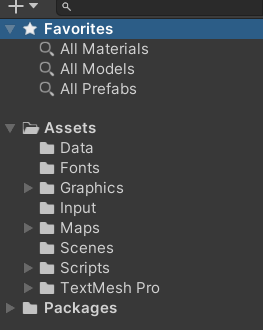
To do this, I created 3 scripts in Unity:
- MapManager.cs – The job of this script is to read in and store a given map and hold it as an array.
- ObjectFactory.cs – The job of this script is to take in any 2 digit alphanumeric and spit out the proper LOS_Maptile object or subclass object.
- MapRenderer.cs – The job of this script is to read the array from MapManager and actually render it to the screen.
I’m not going to go into this much detail for all my coding and thought processes throughout this blog, but I am doing it once to illustrate a point.
I’m going to end up creating a lot of XXXManager scripts and several XXXRenderer scripts. I find it incredibly valuable to separate scripts which process and hold data from those which do the actual rendering. This way, if I later want to change how my game draws assets, I only have to change the renderers and can leave the rest of the code alone.
So to make a long story short, I got it working. I could recreate the map I had in Tiled with one in Unity, generated at runtime. Neat!


You May Also Like
Second goal: A worldmap
First goal: Rendering a map – Color and style