Uncategorized
-
Sidetracked – a “look” mode
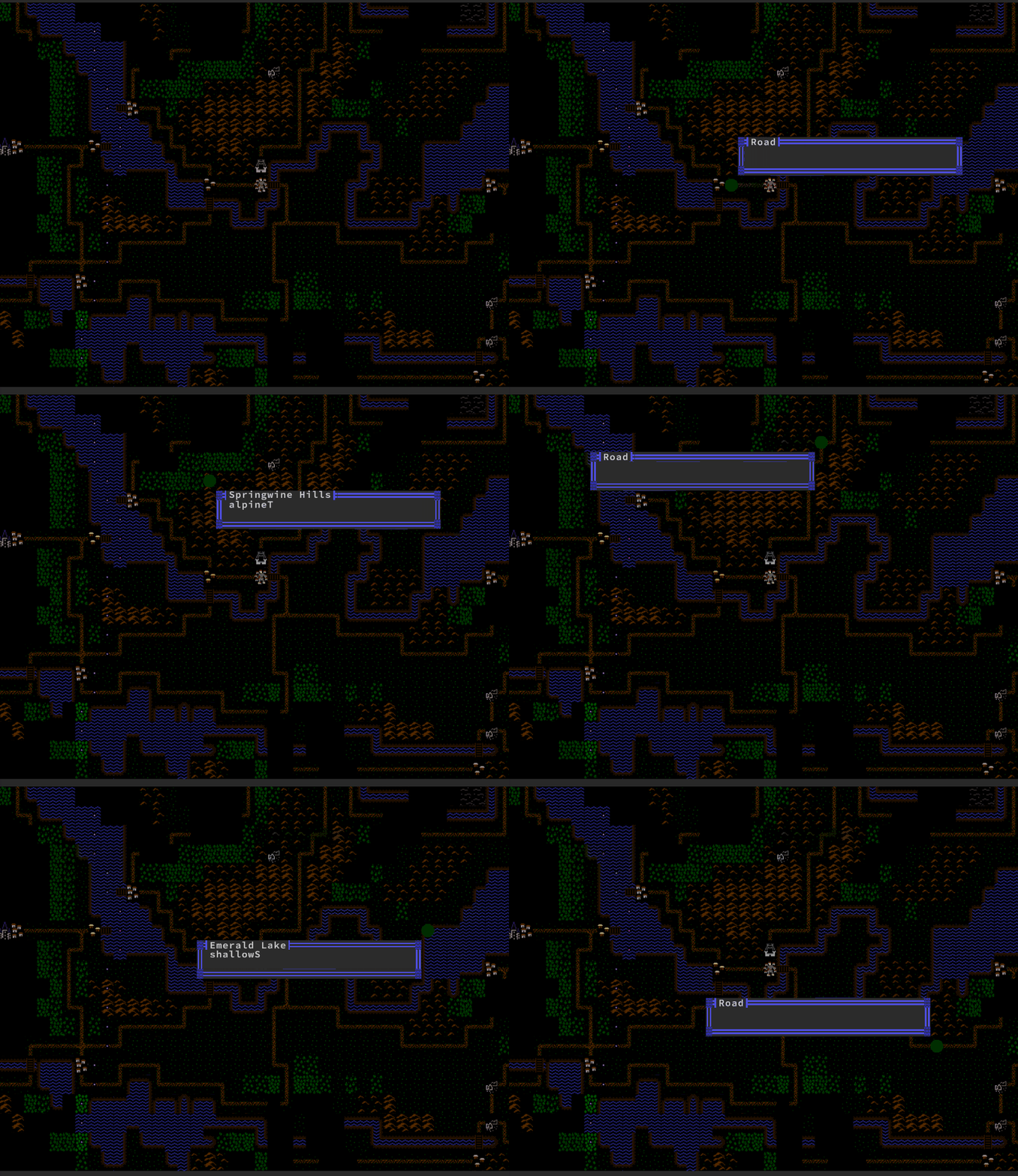
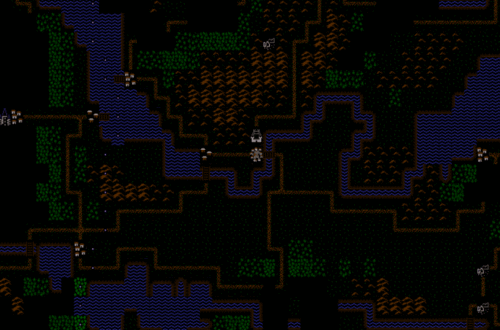
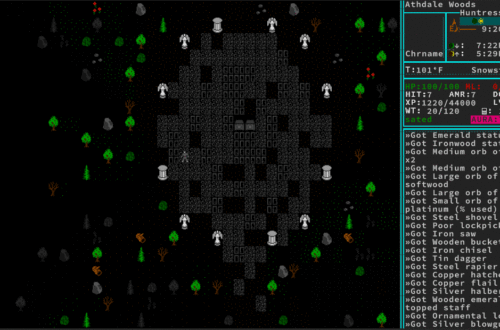
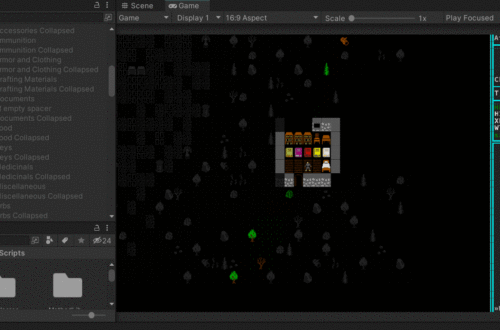
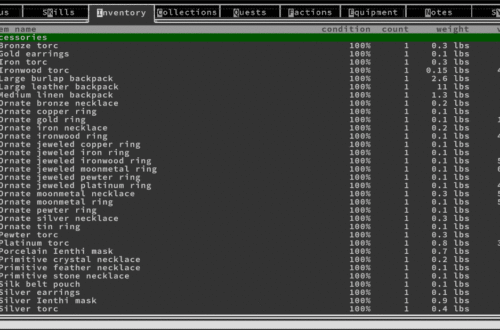
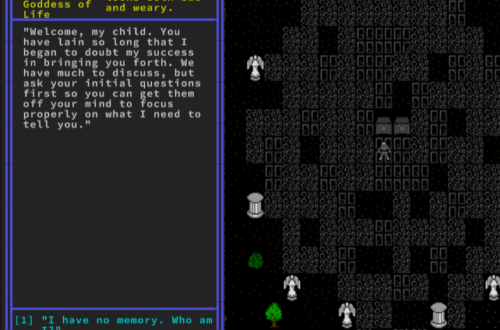
What good is having labeled everything if I can’t see it… or even see that it works? I got a bit sidetracked and decided to create a “look mode”. Essentially, the player presses “L” and now when they move, instead of moving their character, a little reticle moves, displaying a dialog with info on whatever it’s currently over. For this, I used Unity’s UI tools. Right now, the dialog is static in size, which is ok for now, but will cause problems at a future date when I need more dynamically sized tooltips. Oh well, another future me problem. A handful of hours later and I got this working as…
-
Second goal: A worldmap
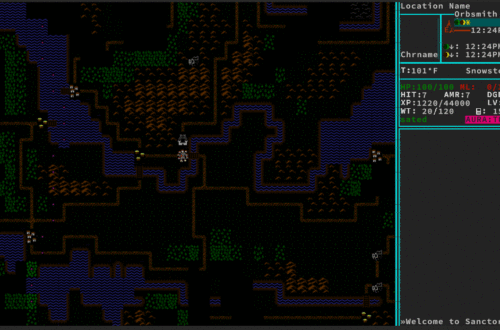
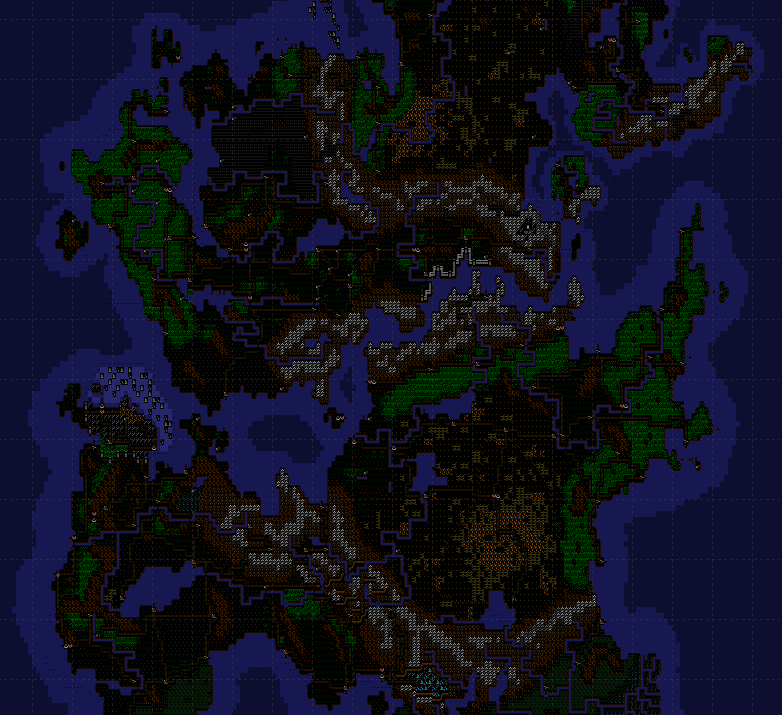
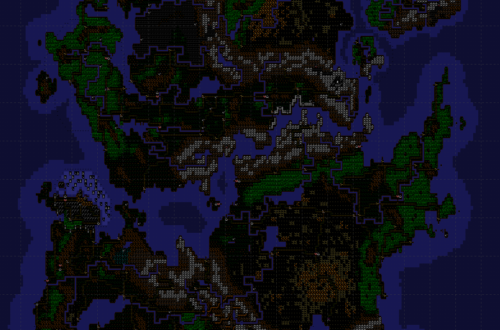
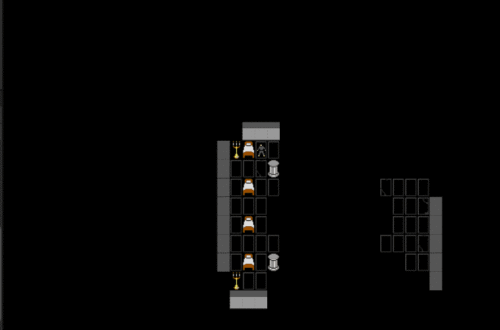
Ok, technically, getting a town was goal #2 on my map. These are in no particular order, I guess. Also, I’ve hardly finished making a town from a static map. The player can’t go through a door or even interact with anything! But I want to make a world map next, so that’s what I’m doing! Given the world of Sanctorum is one I’ve been working on for a long while, I have a lot of info for it that’s very well organized (thanks to WorldAnvil!) Designing my world map is something I finished a good long time ago, so recreating it in an array and bringing it into the…
-
Making the map more real
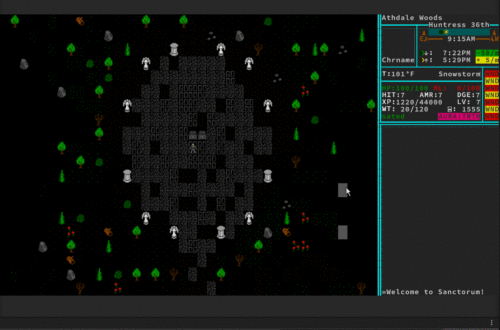
So I have a map that renders, but that’s no fun. Next, I wanted to be able to have a character that can move through the map and actually be blocked by walls etc. This was fairly simple but required me to learn about Unity’s new Input System. In all my other projects, I had just coded input listeners in directly, into a code called InputManager.cs. It was fairly easy to learn the Input System and I still ended up needing an InputManager.cs file to handle all the input and shunt it to the proper code. I’m 90% sure I’m not using it super effectively, but at this point I…
-
First goal: Rendering a map – Rendering a map
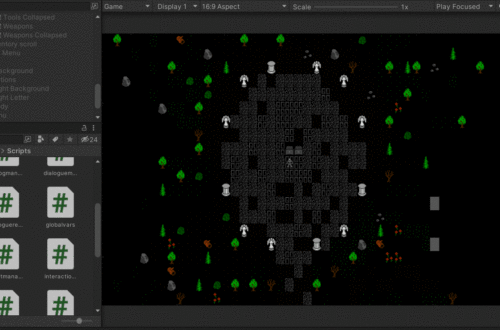
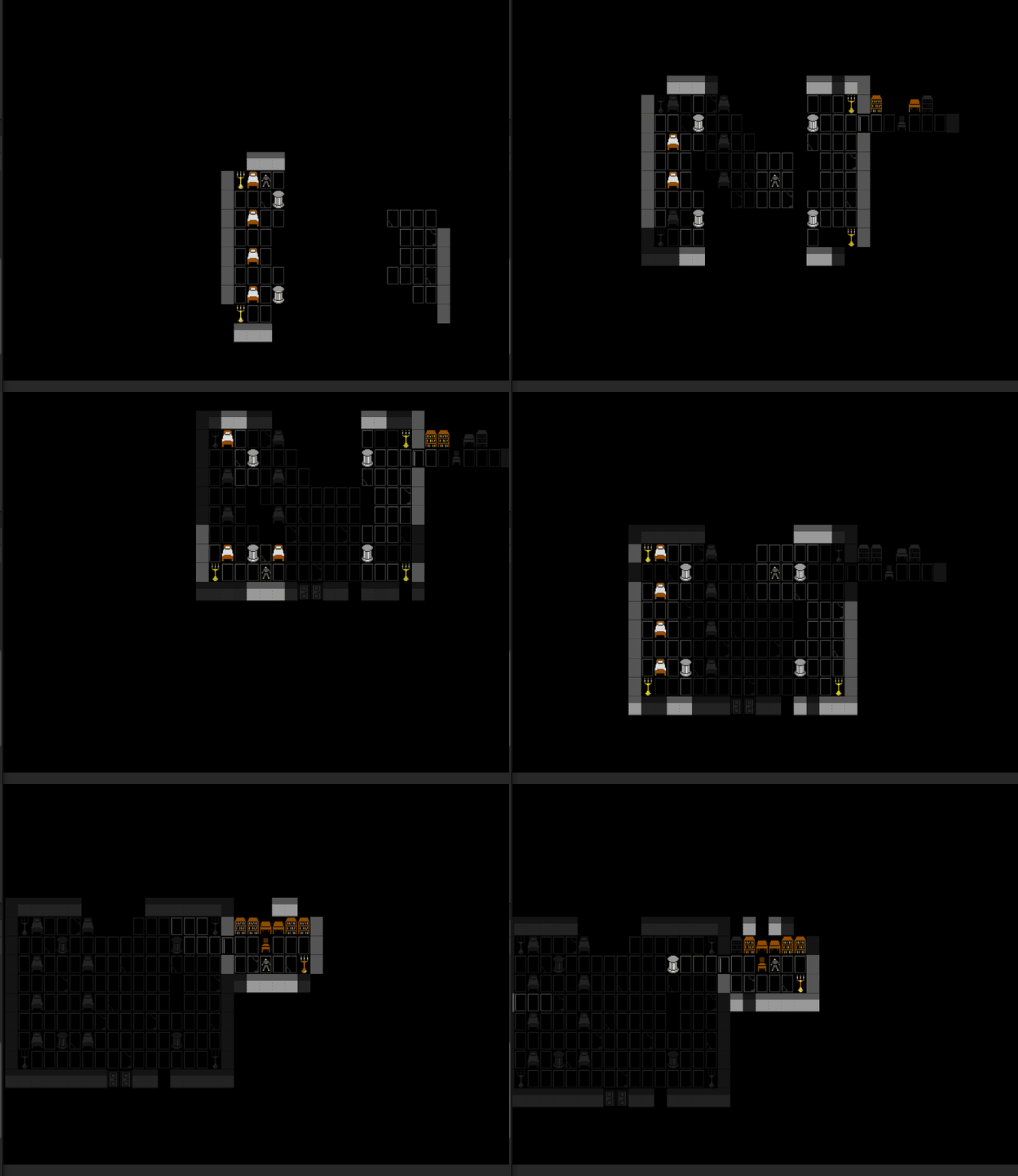
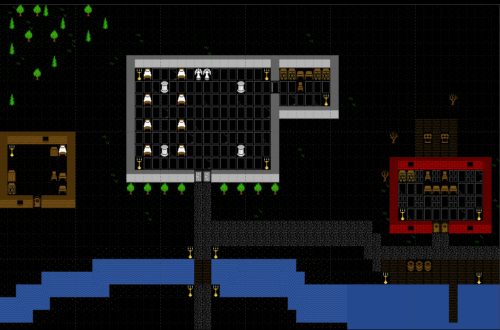
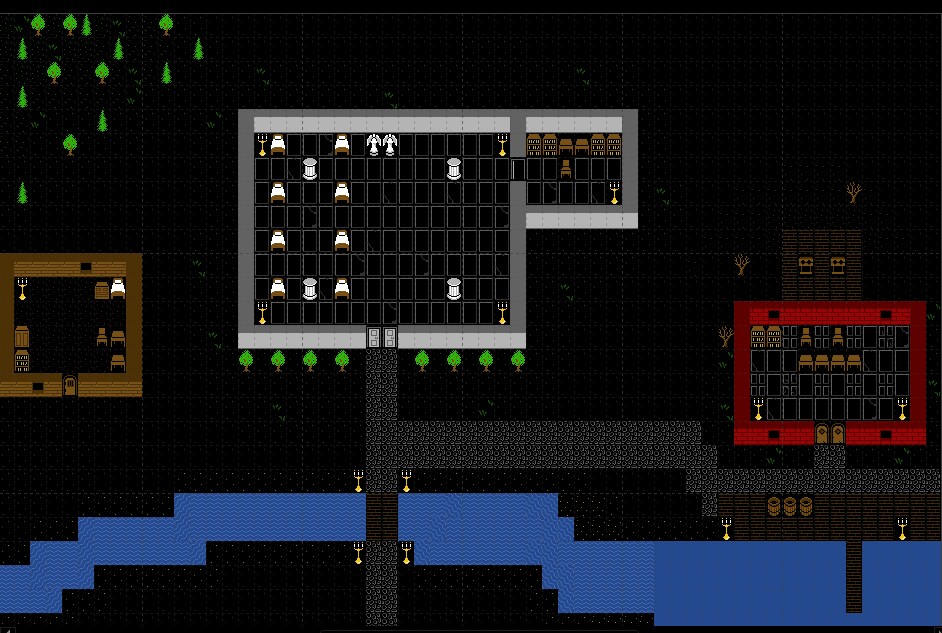
The last step in the first goal is to get Unity to render this thing. I need to do the following: Get Unity to read in the CSV generated by Tiled. Store the CSV values in an array of a custom class I’ve named LOS_Maptiles. Have Unity generate a Tilemap at runtime. Run through the tilemap, setting each tile to the appropriate art asset by using a coded list telling Unity what ID maps to which sprite. To do this, I created 3 scripts in Unity: MapManager.cs – The job of this script is to read in and store a given map and hold it as an array. ObjectFactory.cs –…
-
First goal: Rendering a map – Map indices
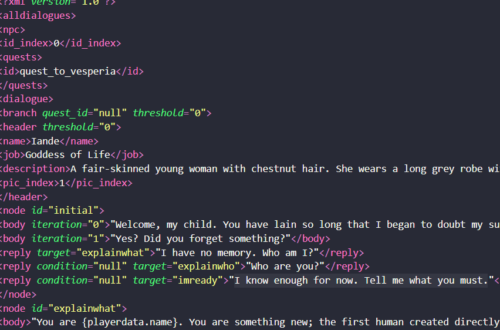
Continuing from my last post, I had 3 goals for getting a map to render. Now I’m on #2: Some sort of array that will tell the game what tiles to place where on a grid. Since my maps have to be generated at runtime, this will need to be an external file. In Tiled, you can give each tile a custom property. If you call that property “name”, then when you export to a CSV, it will use that name value rather than an ID. When Unity reads the file, I can tell it to read those values into an array. That array can then tell the code to…
-
First goal: Rendering a map – Color and style
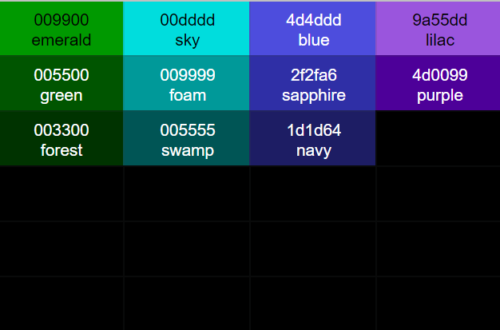
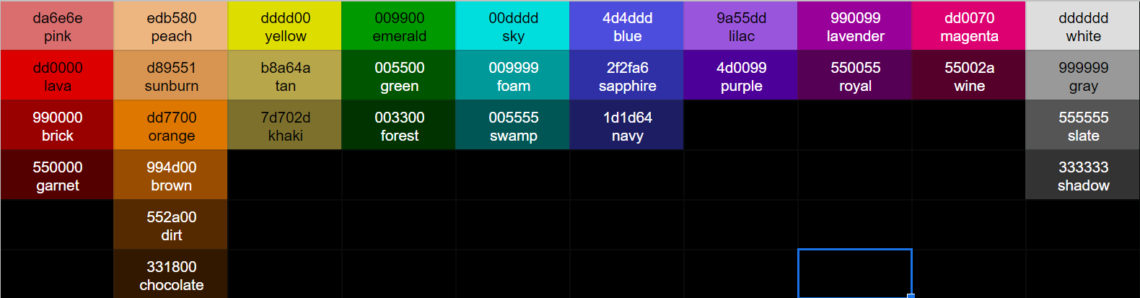
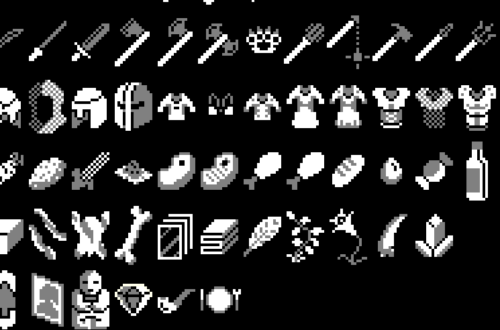
First things first, I need to at least get some sort of map to render to the screen. This is going to require 3 things: Some basic art assets to go along with the tiles so they, you know… look like stuff. Some sort of array that will tell the game what tiles to place where on a grid. Since my maps have to be generated at runtime, this will need to be an external file. Internal code to connect this stuff. POINT 1 I already know that if I don’t limit myself in some way, I’m going to spend far too much time on art assets. I need a…
-
Setting up Unity
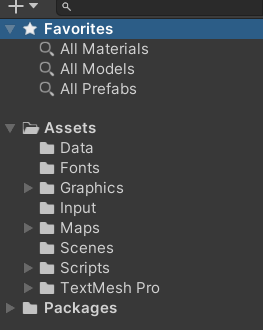
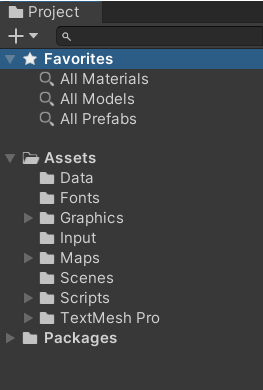
Alright. So let’s actually dig into my project and get this thing started. The first thing to do is set up our asset structure in Unity itself. This is largely for your own benefit. Your code doesn’t much care about where key files are located as long as it can point to them properly. But you as a developer will want things to be organized. There’s not really a single right way to do this, but I’ll share my structure: “Data” is where I’m placing some csv data tables that I build externally (like in a spreadsheet) and import into the game. Largely, this is object data. By that, I…
-
Enough generic wisdom. Now what? Where do I start?
Answering this wrong led straight to the failure of my first 4 or 5 attempts at making a game.It’s tempting to just dive straight in and start creating stuff with your chosen engine. I like to see visible results from my coding – that’s what motivates me. But diving in without proper preparation is like starting to build a wall for a house with no blueprint for the property, or even an idea of where the property is going to be located! Before doing anything, you need a plan. As a User Experience Designer, here’s where I can draw on professional expertise. What I need most is to come up…
-
Full disclosure
I’m going to be honest – I’ve started this blog a little late into the game already. I’ve already done several months of work on the game. I wanted to make sure I was serious about things this time before beginning a blog to keep myself going. However, I’m going to write the next chunk of entries “in situ” as best as I recall from what I was thinking in the moment. I’ll make a clear note once I reach “live”. The posting dates will almost certainly slow down as well.
-
Before Starting – Beg, borrow, steal (and buy)
Whatever genre of game you want to make, there are going to be other games that have come before that will have some similar or identical pieces of code – probably even for your target game engine. For example, my roguelike. Top-down turn-based roguelikes are nothing new. I can guarantee there’s C# code out there for some standard things like Pathfinding, Line-of-Sight, Saving and Loading, etc etc. Wherever possible, beg, borrow, steal (as long as you can legally do so). I already know that for line-of-sight I’ll be wanting Bresenham’s Line Algorithm. It’s simple, well-tested, and to be honest, I accidentally reinvented it for an earlier project years ago, so…